
Introducing Our New Icons – A Clearer and More Consistent User Experience
A refreshed visual experience with improved icons for both Light and Dark Modes.
At DWService, we continuously work to improve our service and provide users with the best possible remote access experience. We believe that even small improvements can make a meaningful difference in everyday use. That’s why we are constantly looking for ways to make our platform more intuitive, accessible, and user-friendly.
As part of these ongoing improvements, we have introduced a new set of icons:
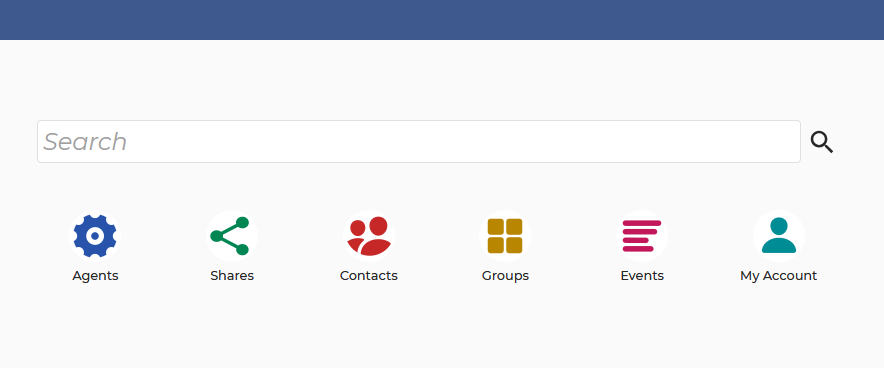
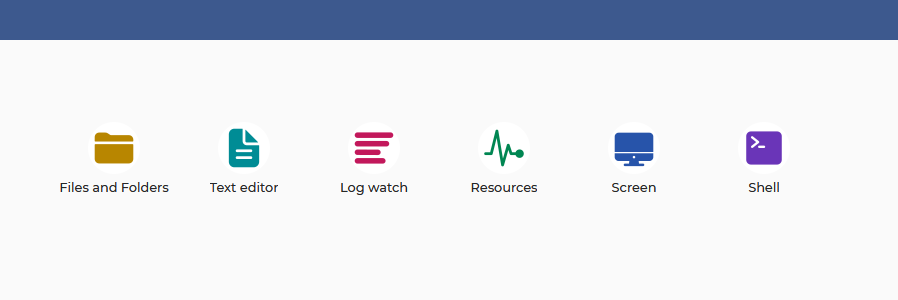
Why have we updated our icons?
Icons play an important role in how users interact with an application. They help communicate information, identify features, and navigate different sections without having to rely entirely on text.
However, icons need to be clear and easily recognizable in every situation. Their appearance should remain consistent and distinguishable regardless of the visual theme being used.
With this in mind, we decided to refresh our existing icons and introduce a new visual design that offers several improvements.
Better visibility in Light and Dark Modes
One of the main goals of this update was to improve icon visibility in both Light and Dark Modes.
The new icons have been designed to provide better contrast and clearer visual separation in both modes. This makes them easier to identify and helps maintain a consistent appearance throughout the application.
Whether you prefer Light Mode or Dark Mode, the updated icons are designed to remain clearly visible and recognizable.
Easier recognition and improved usability
Another important aspect of this update is recognizability.
We want users to quickly understand the purpose of each icon and find the features they need without unnecessary effort.
The refreshed icons offer a clearer and more distinctive visual appearance, helping users identify different actions and functions more easily.
Although this may seem like a small visual change, improving the clarity of interface elements contributes to a smoother and more comfortable user experience.
Continuous improvements to DWService
At DWService, development never really stops. We continuously work on improving our platform, introducing new features, refining existing functionality, and addressing details that can make the service better for everyone.
Our goal is not only to provide reliable remote access but also to ensure that using DWService remains simple, intuitive, and enjoyable.
Updating our icons is another step in this ongoing process. Every improvement, whether large or small, is part of our commitment to delivering a better service.
We believe that a well-designed interface is an important part of a great user experience, and we will continue working to make DWService better.
We appreciate your continued support and feedback. Your experience matters to us, and it helps us identify areas where we can improve.
Stay tuned for more updates and improvements as we continue developing DWService!