
DWService introduces dark mode for a more comfortable remote access experience
Whether you are connecting during the day or working late, DWService now adapts to your preferred way of viewing. Dark mode is available across our service, making remote access more comfortable in different lighting conditions.
Where dark mode has been implemented:
- Main website ==> https://www.dwservice.net
- Remote control webpage ==> https://access.dwservice.net
- Documentation ==> https://docs.dwservice.net
- API webpage ==> https://api.dwservice.net
- Blog webpage ==> https://news.dwservice.net
- Using DWService app for Android ==> https://play.google.com/store/apps/details?id=net.dwservice.client
A viewing experience that fits your needs
We have introduced dark mode across DWService to give users a more comfortable and consistent experience.
On the web, DWService follows your web browser’s theme setting. If your browser is set to dark mode, the web interface appears in dark mode and if it is set to light mode, the interface remains light.
The DWService Android app follows your device’s system setting, so it switches between dark and light mode along with Android.
In addition, new icons have been introduced that work better with both themes.
Your dashbaord using light theme:
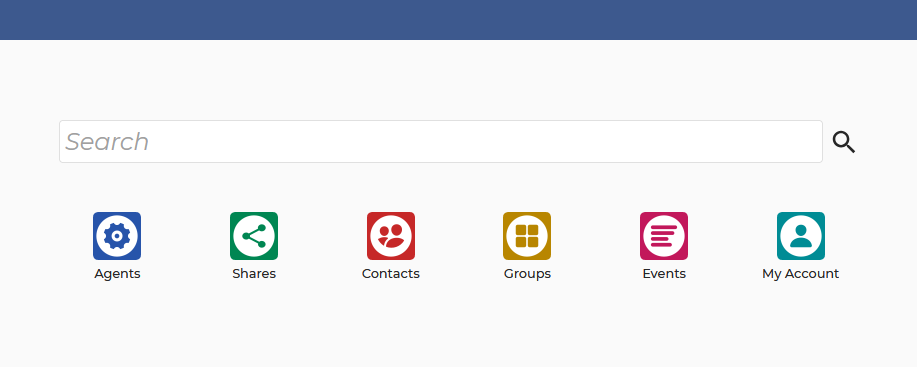
Your dashboard using dark theme:
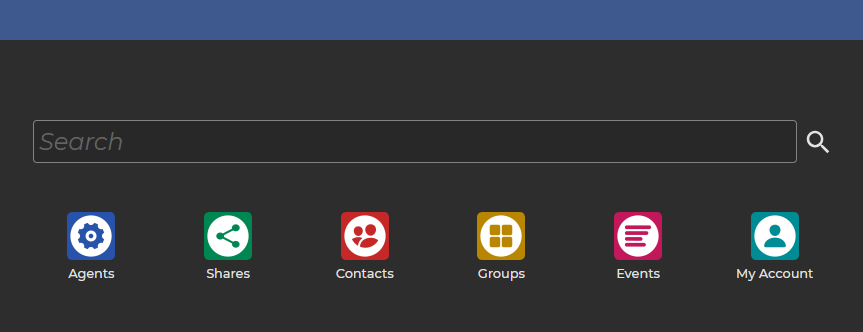
Applications using light theme:
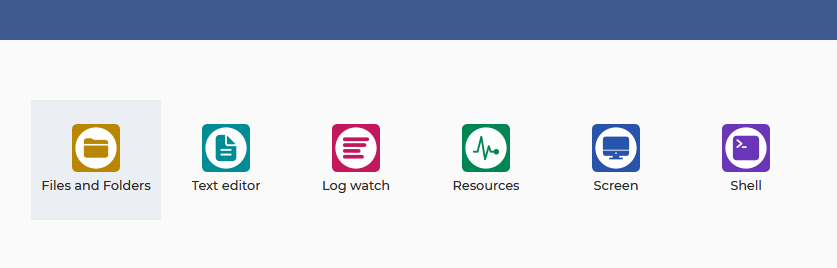
Applications using dark theme:
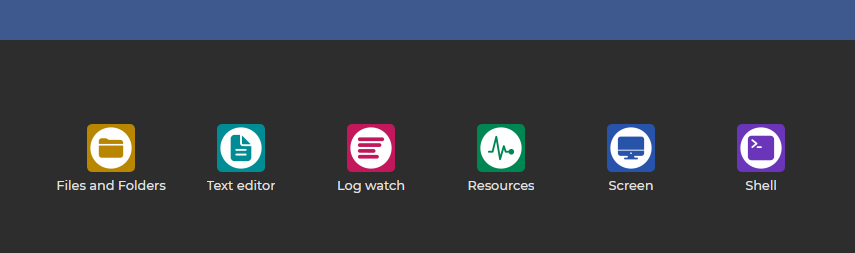
Easier on the eyes, day or night
Dark mode offers a darker interface that can feel more comfortable in low-light environments. It also gives users who prefer dark themes a familiar look while accessing their remote devices.
The new theme is useful when:
- working in dimly lit environments;
- connecting to a remote device in the evening;
- using a browser or Android device already set to dark mode;
- keeping the interface consistent with your device’s appearance.
How it works
There is no additional configuration required. On the web, set your browser’s theme to dark or light, and DWService will follow it. In the Android app, change your device’s system theme and the app will adapt automatically.
A more comfortable way to connect
With dark mode, DWService continues to make remote access convenient and comfortable across the devices you use every day. Open DWService in your browser or Android app and it will follow your theme preference.