
Categories
General News

DWService adds a smoother remote desktop experience: automatic scrolling without local scrollbars

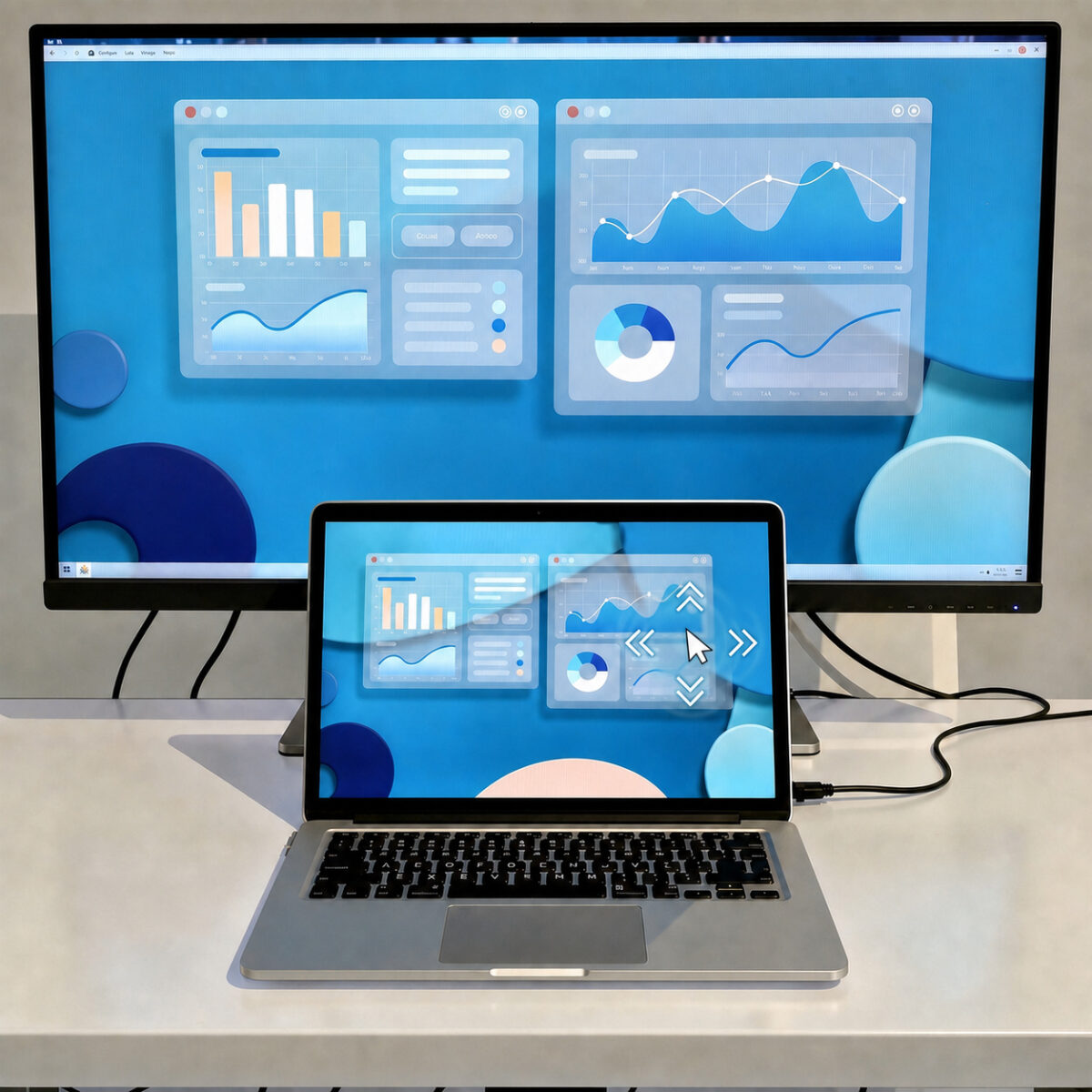
When the resolution of the remote device is higher than that of the local screen, or when zoom is enabled, navigating the remote workspace is now even easier and more natural.

An even more intuitive remote access experience

We have introduced a new improvement to our remote desktop and remote access service.

When users connect to a remote PC, Mac, or other device with a higher resolution than their local screen or when they use zoom local scrollbars are no longer displayed within the remote session.

The workspace now adapts more naturally to the available space, and scrolling takes place automatically: simply move the mouse cursor close to the edge of the screen to scroll in the desired direction.
Categories
New features

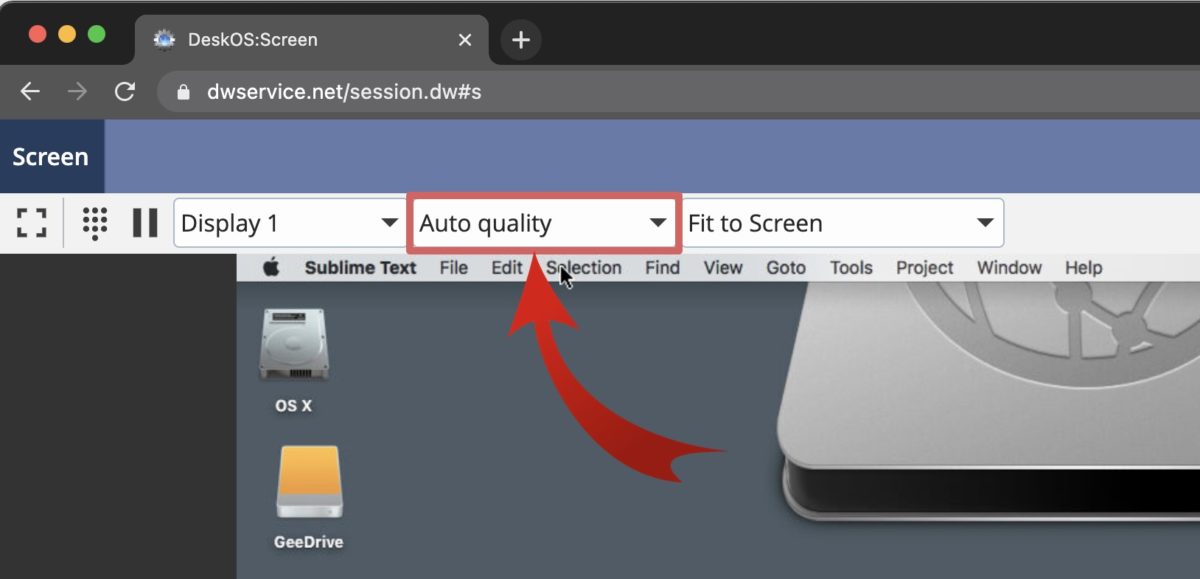
Remote desktop now gets auto-quality!

We can now auto-adjust the quality of your remote desktop experience

One of the cool features of DWService is the ability to access the screen of your remote computer directly through a web browser. But as with any remote desktop software, the experience largely depends on the quality of the network itself. If you access a remote machine from a computer outside your house, you may not be aware of the network speed. Also you may be connected to an irregular Wi-FI network, for instance if you are on a train on a 4G connection. So we have developed a tool to help you.